 Pageturn
Interactive EPUBs for e‑ink readers
An e-ink screen cannot animate. It can turn a page. Pageturn is an open-source agent skill that turns your notes into a book of flipbook frames, hidden answers and diagrams, for the reader you own.
Free and MIT licensed. Works with Claude Code, Codex, Copilot, Cursor and Gemini CLI. No npm packages.
Try a book on a simulated e-ink screen
This is the example book, "How an E Ink Screen Works", as the engine built it. Tap the right side of the screen to turn the page. Go to "A pixel turns black" and press Play flipbook. Change the reader to see the same book on another screen.
Download the same book for your reader: any reader (EPUB) · Kobo Clara BW · Kindle Paperwhite (use Send to Kindle) · Xteink X4 Pro. The files were checked with EPUBCheck and in the simulator, not on the real devices.
Four page types that use the page turn
Each page is its own file inside the EPUB, so it always starts on a new screen. That is what makes the timing work on every reader.
Flipbook
Two to six pages with one picture. The canvas stays in place and one thing changes at each turn. One figure file holds all the frames, so they line up by construction.
Reveal
The question stands alone. The answer waits one page turn away, so you think before you see it. It works like a flashcard that needs no app.
Checkpoint
Up to five questions on one screen, then the answers in the same order. Put one at the end of each part.
Scenario
A situation with options A, B and C. The next page gives the best path and the reason.
How it works
You talk to your agent. The agent writes a small folder of text files. The engine does the rest, and every number comes from the reader's real screen.
- Ask"Make an interactive EPUB about photosynthesis for my Kobo Clara, about 30 screens."
- WriteThe agent writes pages as plain text and figures as short JSON files.
- CheckThe engine measures each label and each page against the screen, and names each fault with its fix.
- ReadYou get a validated EPUB 3 and a simulator page to look at first.
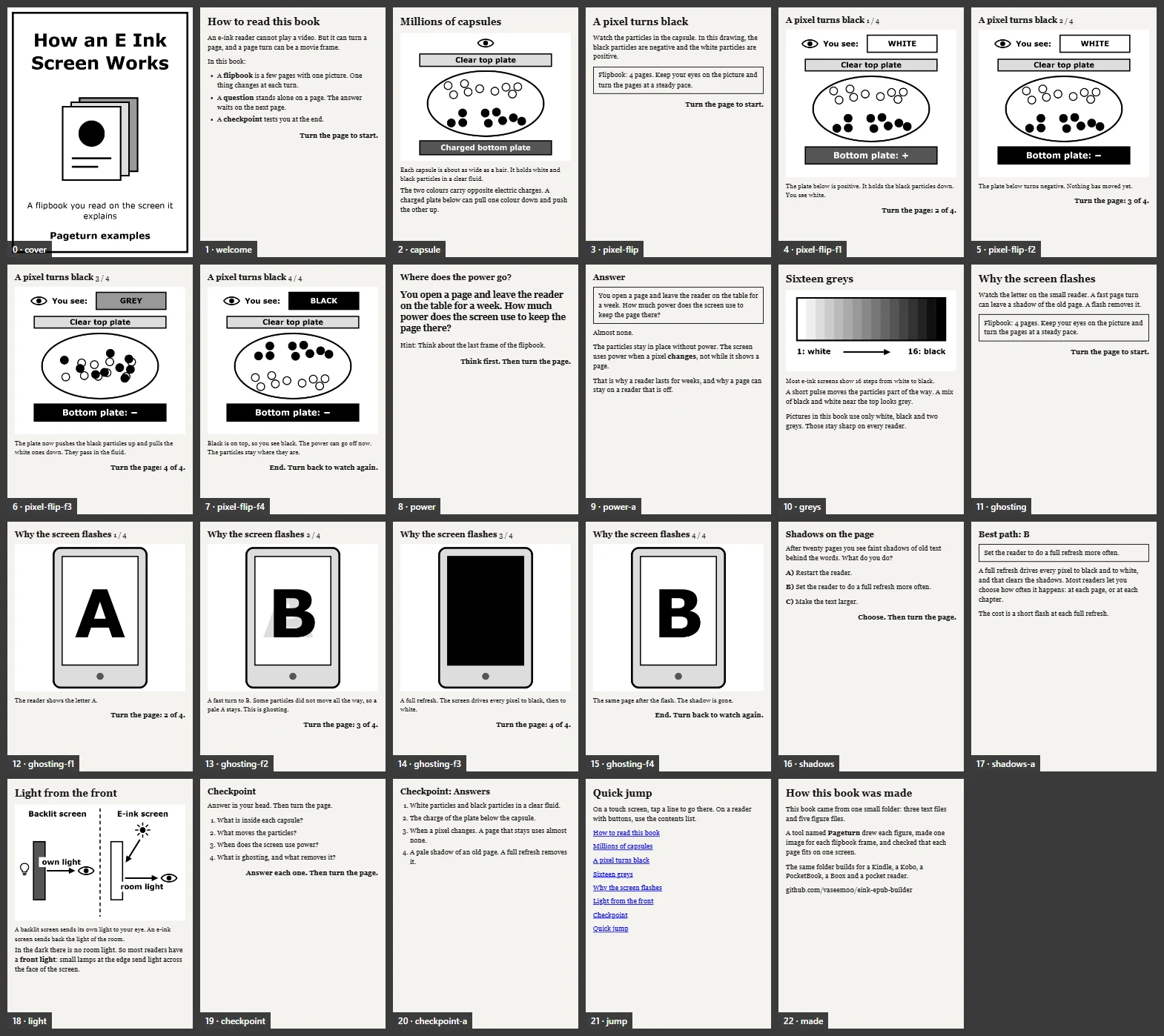
It looks before it ships
The contact sheet shows every page as the reader shows it. A red frame marks a page that splits into two screens.
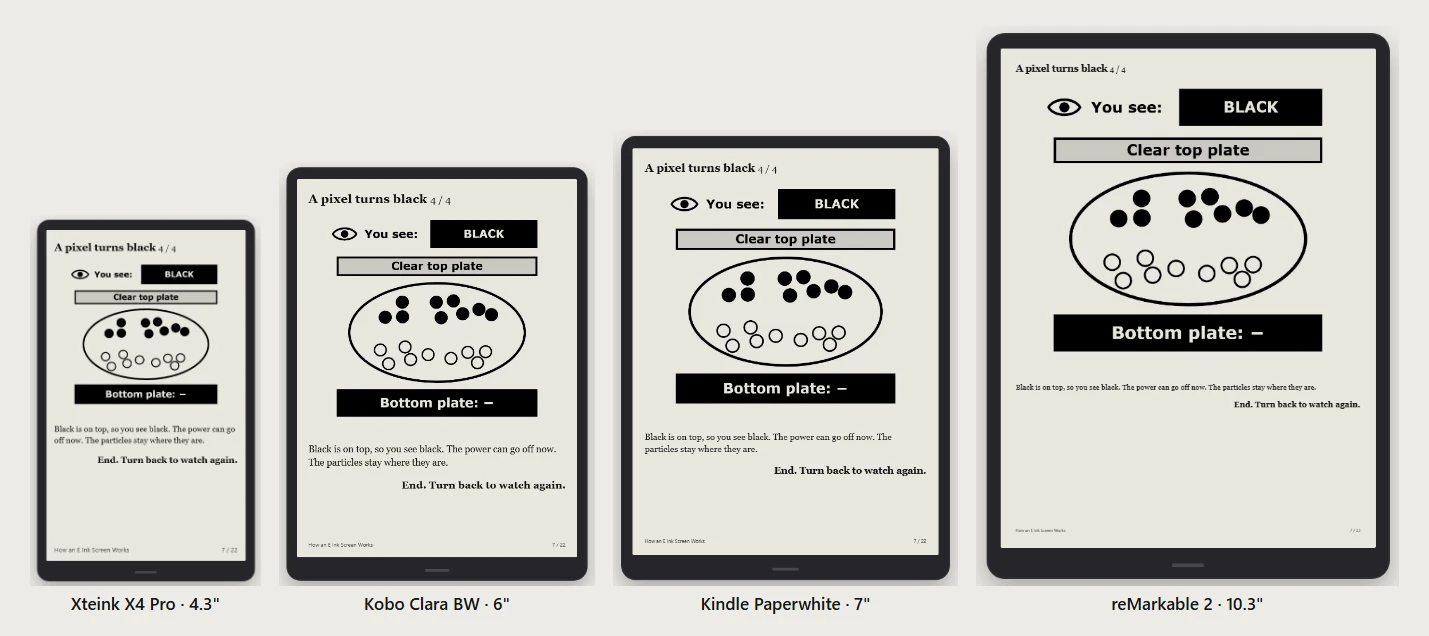
One folder, every reader
The same book builds for a 4.3 inch pocket reader and a 10 inch tablet. The engine sizes each image for the screen.
Readers it knows
33 profiles, each with its screen, its figure canvas and a note on how the file gets there. Facts were checked on 20 November 2026; each has a grade in the repository.
| Family | Opens EPUB | How the file gets there |
|---|---|---|
| Amazon Kindle | Amazon converts it | Send to Kindle (web, app or email) |
| Rakuten Kobo | Yes | USB copy. --kepub selects Kobo's own engine |
| PocketBook | Yes | USB, PocketBook Cloud, Dropbox |
| Onyx Boox | Yes | USB, BooxDrop, any Android reading app |
| Xteink X4 and X4 Pro | Yes | Companion app or SD card; Wi-Fi upload with CrossPoint firmware |
| reMarkable, Supernote | Yes | The maker's app, USB or a cloud drive |
| Nook, tolino | Yes | USB copy |
Install
You need Node.js 22 or later. For JPEG figures, the page estimate and the simulator, the engine uses the Chrome, Chromium or Edge that is on your computer.
Claude Code
/plugin marketplace add vaseem00/eink-epub-builder
/plugin install pageturn@eink-epub-builder
Any agent that reads Agent Skills
npx skills add vaseem00/eink-epub-builderThen ask: "Make an interactive EPUB about how vaccines work for my Kindle Paperwhite." Or run the engine yourself: node skills/pageturn/engine/pageturn.mjs build examples/how-e-ink-works --preview
Questions
Can an e-ink reader show an animated or interactive EPUB?
E-ink readers do not run scripts, video or animation inside books. Pageturn gets the same effect with page turns: a flipbook is a few pages with one picture where one thing changes at each turn, and a question keeps its answer on the next page.
Does it work on a Kindle?
A Kindle does not open EPUB files directly. Send the file with Send to Kindle, and Amazon converts it. The conversion keeps the contents list, the images and the break between pages.
How many pages will my book have?
The engine lays out each page in a browser at the screen size of your reader, at a typical and a large text size, and counts the screens. It is an estimate: the real count depends on the font and the margins that you set on the reader.
Was the example tested on real devices?
No. It was validated with EPUBCheck 5.4.0 (0 errors, 0 warnings) and viewed in the simulator. If you try it on your reader, please open an issue and say what you see.
What does it cost?
Nothing. The code is open source under the MIT licence. You need an AI agent to write the book, or you can write the text files yourself.